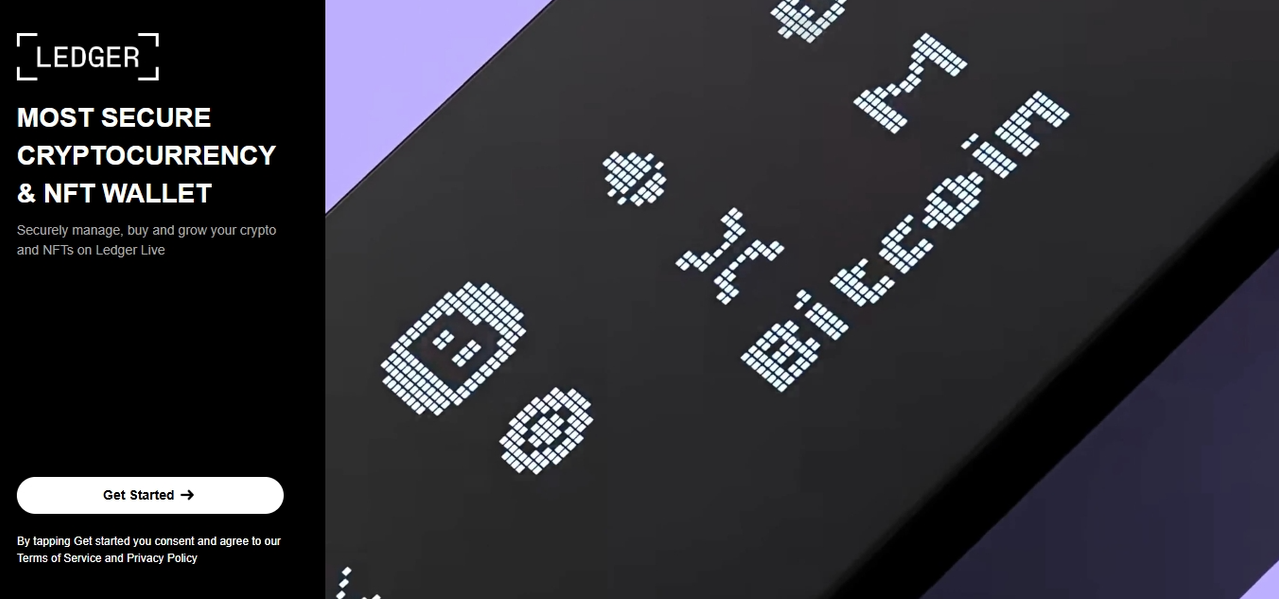
Welcome to Ledger – Get Started Securely
Welcome to Ledger. This page is designed to help you begin your journey into secure digital asset management with confidence. Whether you’re new to crypto or looking to strengthen your security, Ledger provides tools that help you take control of your digital assets while keeping them protected offline.
Security and ownership are at the heart of everything Ledger builds. By using a Ledger hardware wallet, your private keys remain under your control and are stored in a secure environment designed to protect them from online threats.
Why Choose a Hardware Wallet?
Digital assets like cryptocurrencies and NFTs rely on private keys for access and ownership. If those keys are exposed online, they can be vulnerable to hacking, phishing, or malware. A hardware wallet solves this problem by storing your private keys offline.
Ledger hardware wallets use a Secure Element chip, similar to the technology used in passports and credit cards. This chip helps protect your keys even if your computer or phone is compromised. With Ledger, transactions must be physically approved on your device, adding an extra layer of protection.
Set Up Your Ledger Device
Getting started with your Ledger device is simple and guided step by step.
First, power on your Ledger device and follow the on-screen instructions to create a new wallet or restore an existing one. During setup, you’ll choose a PIN code and generate a recovery phrase. This recovery phrase is extremely important—it’s the only way to recover your assets if your device is lost or damaged.
Write your recovery phrase down and store it somewhere safe and offline. Never share it with anyone and never enter it into a website or app.
Once your device is set up, you’re ready to connect it to Ledger Live.
Ledger Live: Your Control Center
Ledger Live is the official app that allows you to manage your digital assets securely. With Ledger Live, you can:
Check your portfolio balance
Send and receive cryptocurrencies
Install and manage apps for different blockchains
Update your device firmware
Buy, sell, or swap crypto through integrated partners
Ledger Live is available on desktop and mobile, giving you flexibility while keeping security at the core of every action.
Manage Multiple Cryptocurrencies
Ledger devices support thousands of cryptocurrencies and tokens, including Bitcoin, Ethereum, and many popular altcoins. You can install multiple apps on your device and manage different assets from one secure place.
Your private keys never leave your Ledger device. Ledger Live acts as a visual interface, while all sensitive actions are confirmed directly on the hardware wallet.
Security Best Practices
Staying secure goes beyond using a hardware wallet. Here are a few important tips to keep in mind:
Never share your recovery phrase
Be cautious of emails or messages claiming to be from Ledger
Only download Ledger Live from official sources
Double-check addresses before confirming transactions
Keep your device firmware up to date
Ledger will never ask for your recovery phrase, PIN, or private keys.
Ownership Without Compromise
Using a Ledger device means you truly own your digital assets. You don’t rely on third parties to safeguard your keys, and you don’t have to trade convenience for security. Ledger’s ecosystem is designed to give you independence, transparency, and peace of mind.
Whether you’re holding assets long-term, exploring blockchain applications, or learning about digital ownership, Ledger helps you do it securely.
Get Started Today
You’re now ready to begin using your Ledger device. Take your time, follow the setup instructions carefully, and explore Ledger Live to discover all available features.
Secure your assets. Protect your future. Welcome to Ledger.